
Mobile POS
No counter,still selling
Install ModaPOS on a phone and wherever you stand becomes the register. Take orders and payments at the table, in the queue, or outside the store.
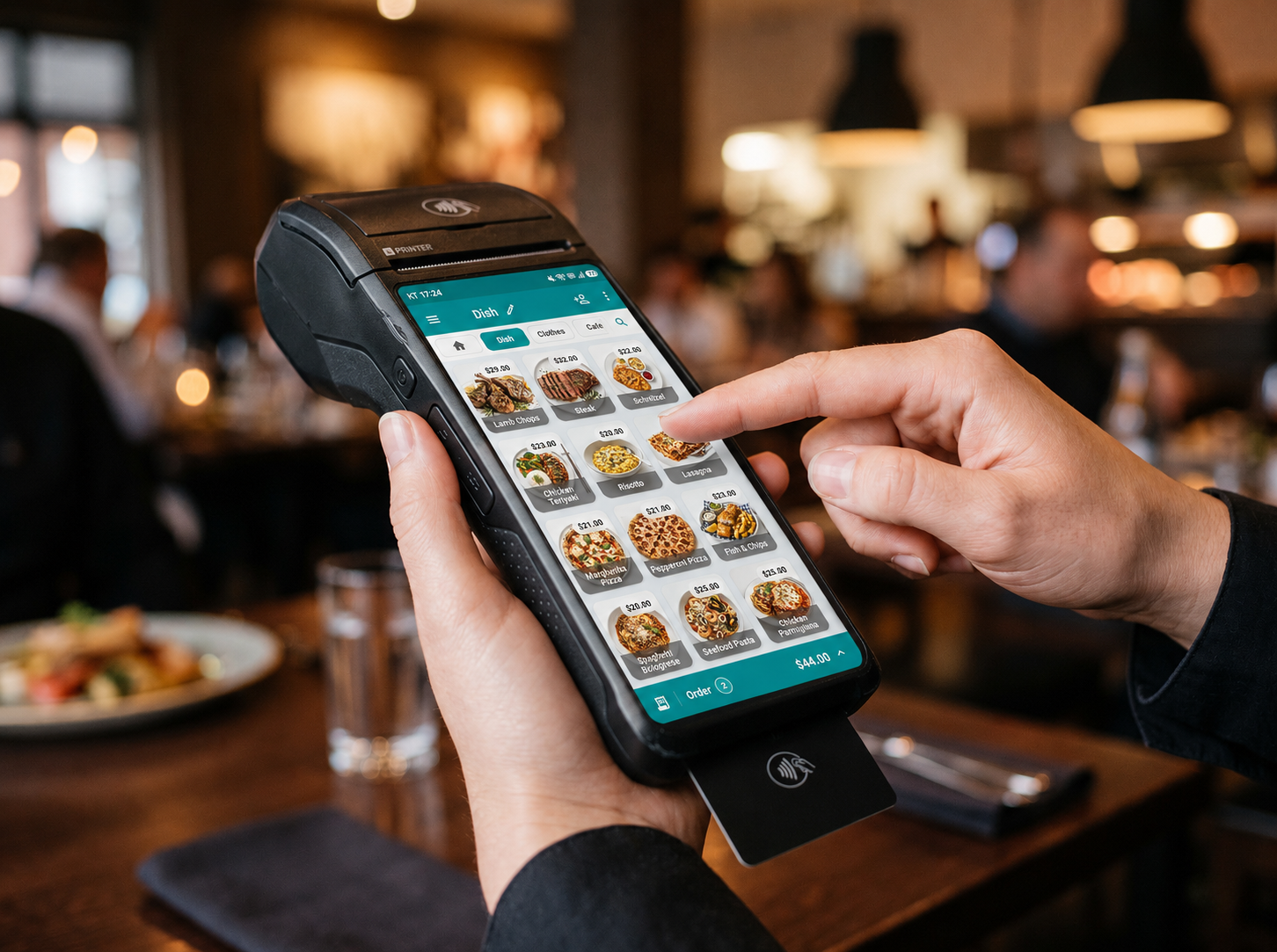
Take orders right at the table
- Enter the order in front of the customer and take payment on the spot
- Handle size and topping choices and discounts from the phone screen
- Hold an order that is stuck at payment and pick it up on the counter tablet (Pro)
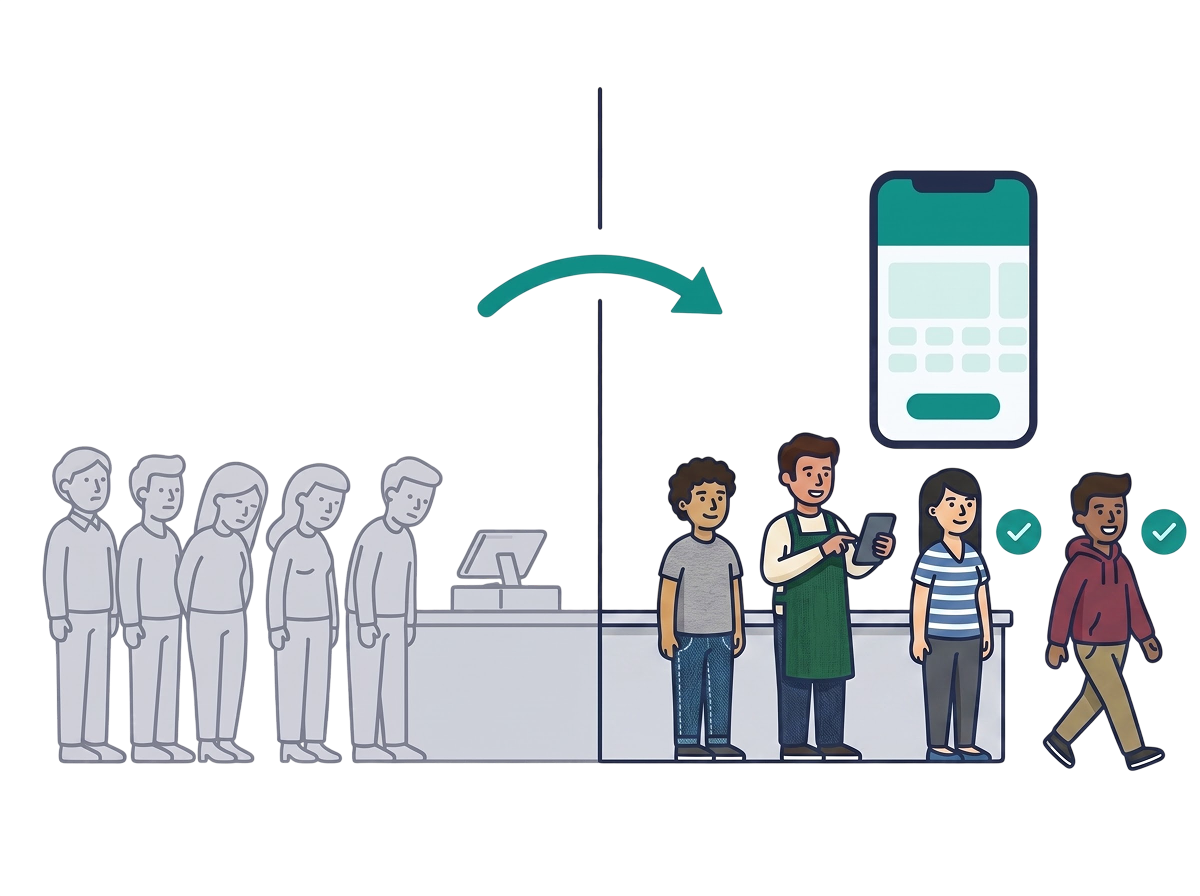
Shorten the line
- Take orders from customers still in line and cut the wait
- Use a phone as an extra register at peak hours and raise throughput without adding equipment
- Beyond cash and card, use the payment methods your store already registered
- See orders taken on a phone on the counter tablet in real time (Pro)

Sell at food trucks and outdoor events
- Sell with one phone even where a counter will not fit — pop-ups, event venues, delivery runs
- Keep selling when the connection drops, and sync automatically once it is restored
- Tally event sales together with store sales and manage them without separate reconciliation
- Keep item, price, and customer data identical no matter how many devices you run
Start with the registerin your pocket
Install the app on your phone and you can start selling.