Dashboard
Your store,open from anywhere
Check how the store is doing right now from your phone. Run several locations and compare them on one screen.

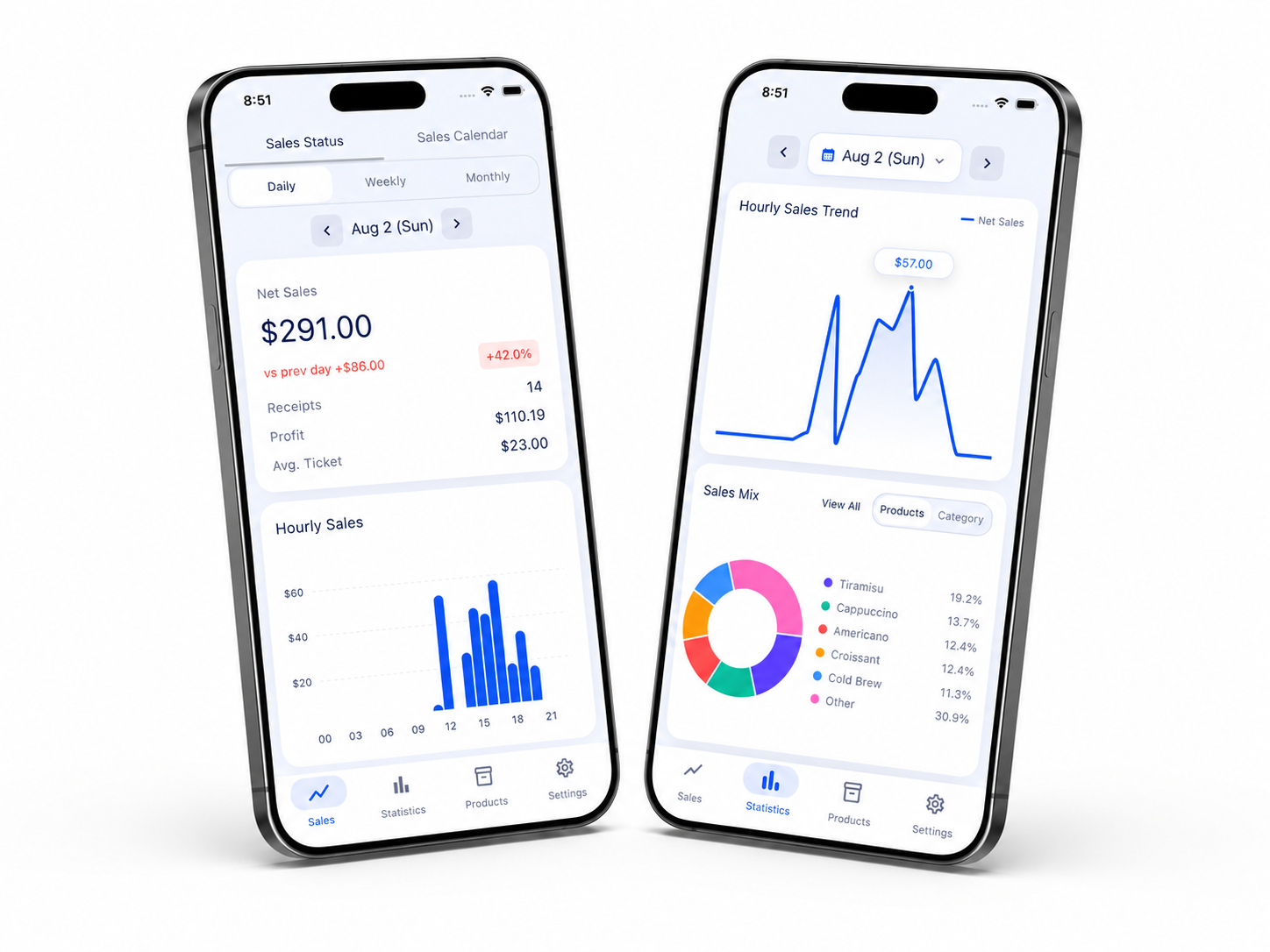
Your store's day on one screen
- See net sales large at the top.
- Check transaction count, profit, and average ticket alongside it.
- Switch between day, week, month, and year with a single tap.
- Check the change against the previous period.
- Follow the hourly revenue flow on a chart.
- Compare the share of each item and category at a glance.
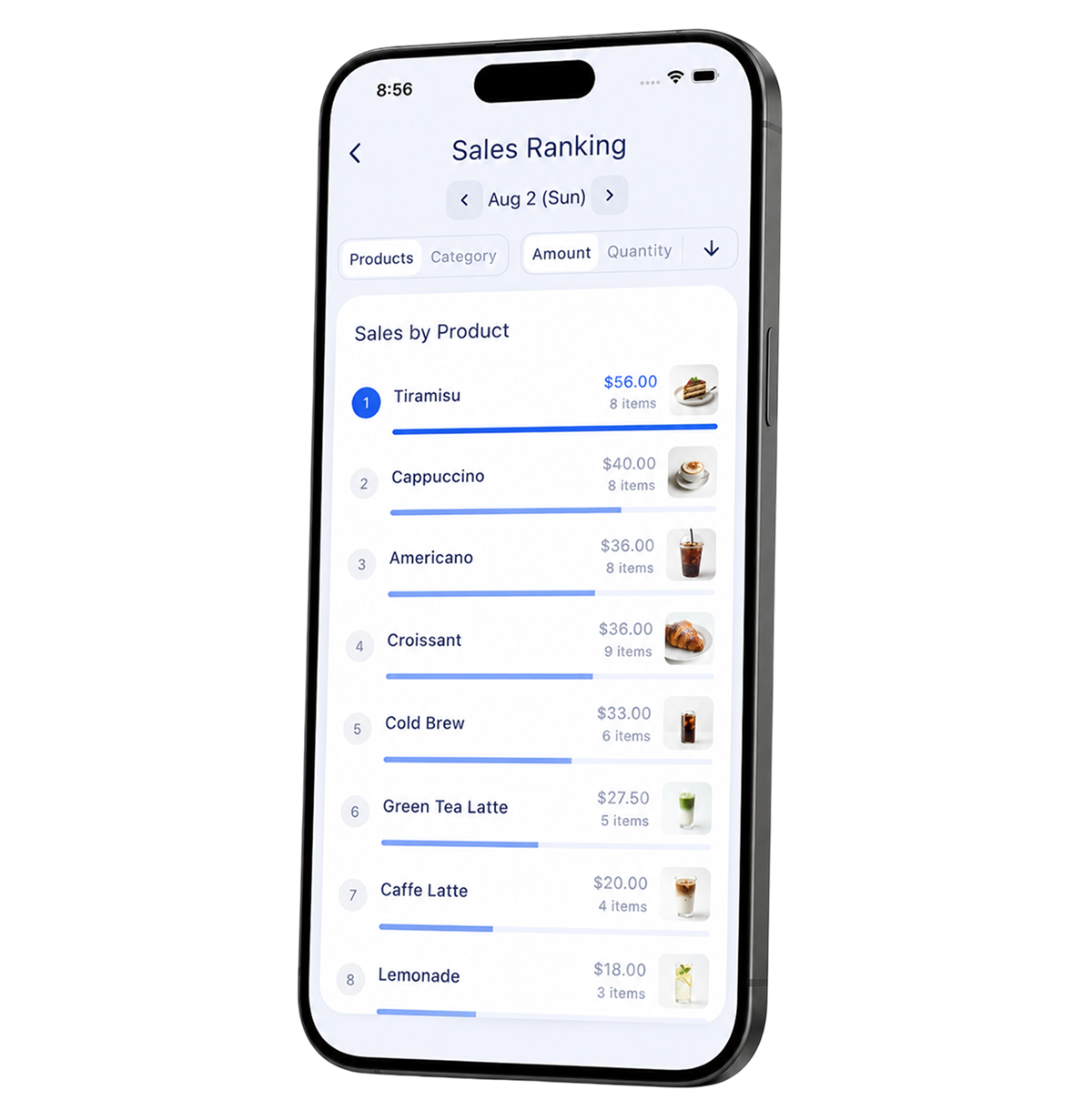
See your best sellers ranked in order
- Switch between item and category rankings with one button.
- Rank by amount or by quantity separately — items that move often but contribute little revenue stand out.
- Sort ascending to surface slow movers, ready to act on when trimming the menu.
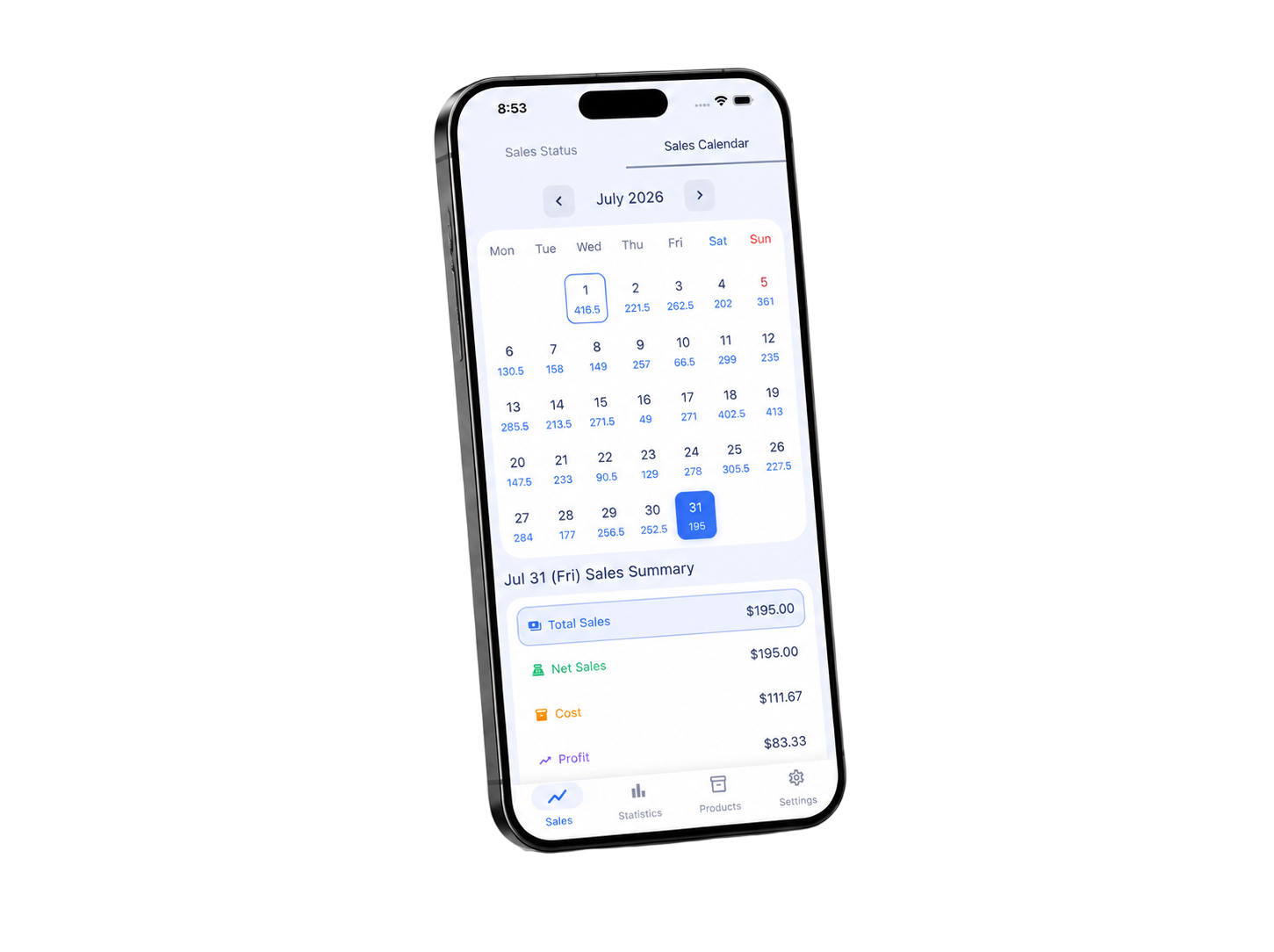
See a month of sales on a single calendar
- Each day's figure is printed in its calendar cell, so the weekday pattern is visible without scrolling.
- Choose which metric to display: gross sales, net sales, cost, profit, refunds, or discounts.
- Tap a date and six metrics for that day open up — cost, discounts, and refunds included, for the real result.
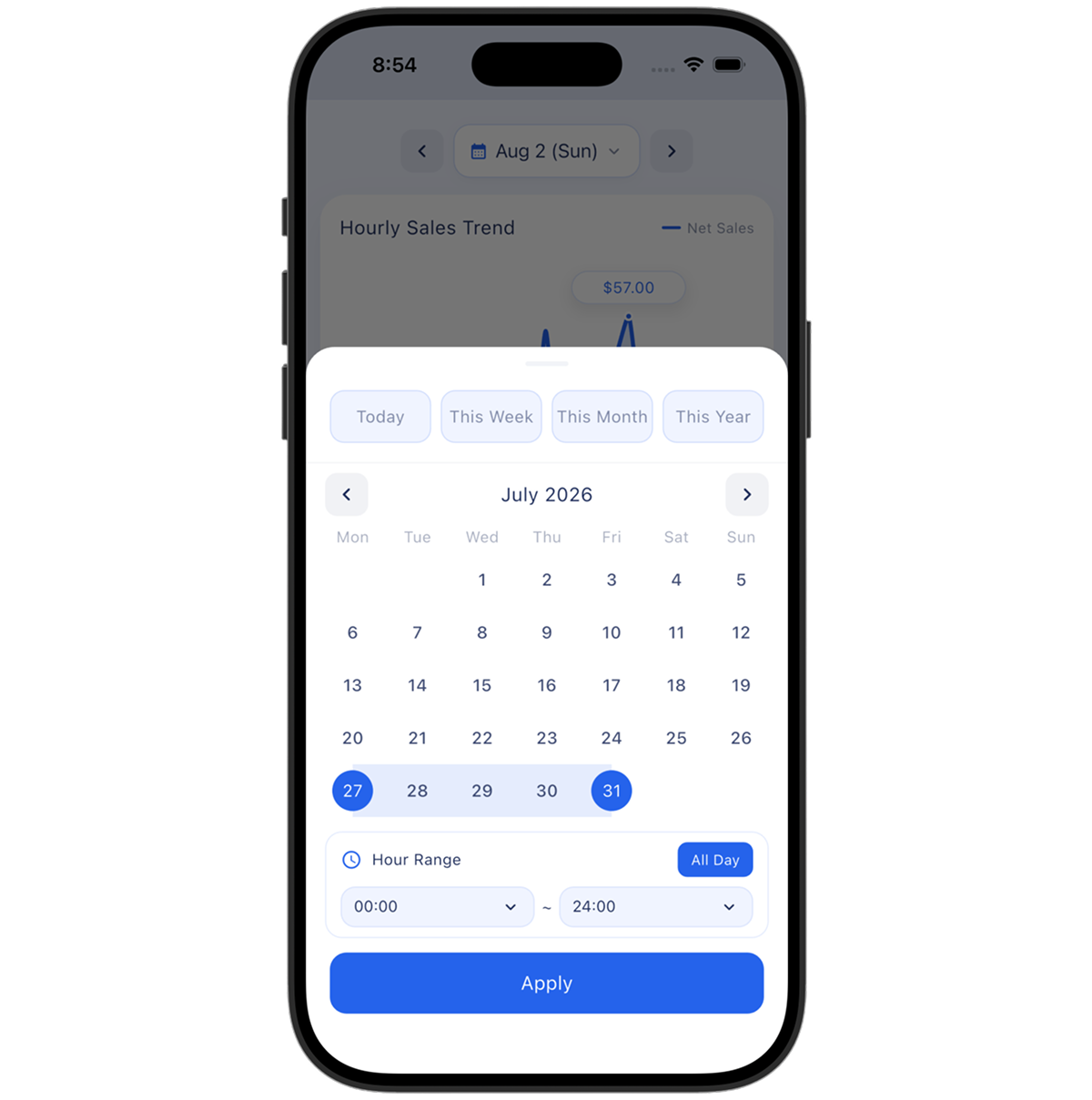
Query any period and any hours you want
- Set your own start and end dates — periods that do not line up with the calendar, like an event run, are queried as they are.
- Set an hour range to keep only that window's revenue, separating lunch (11am–2pm) from dinner.
- The hour filter also applies to week, month, and year views, so combinations like "mornings over the last three months" work.
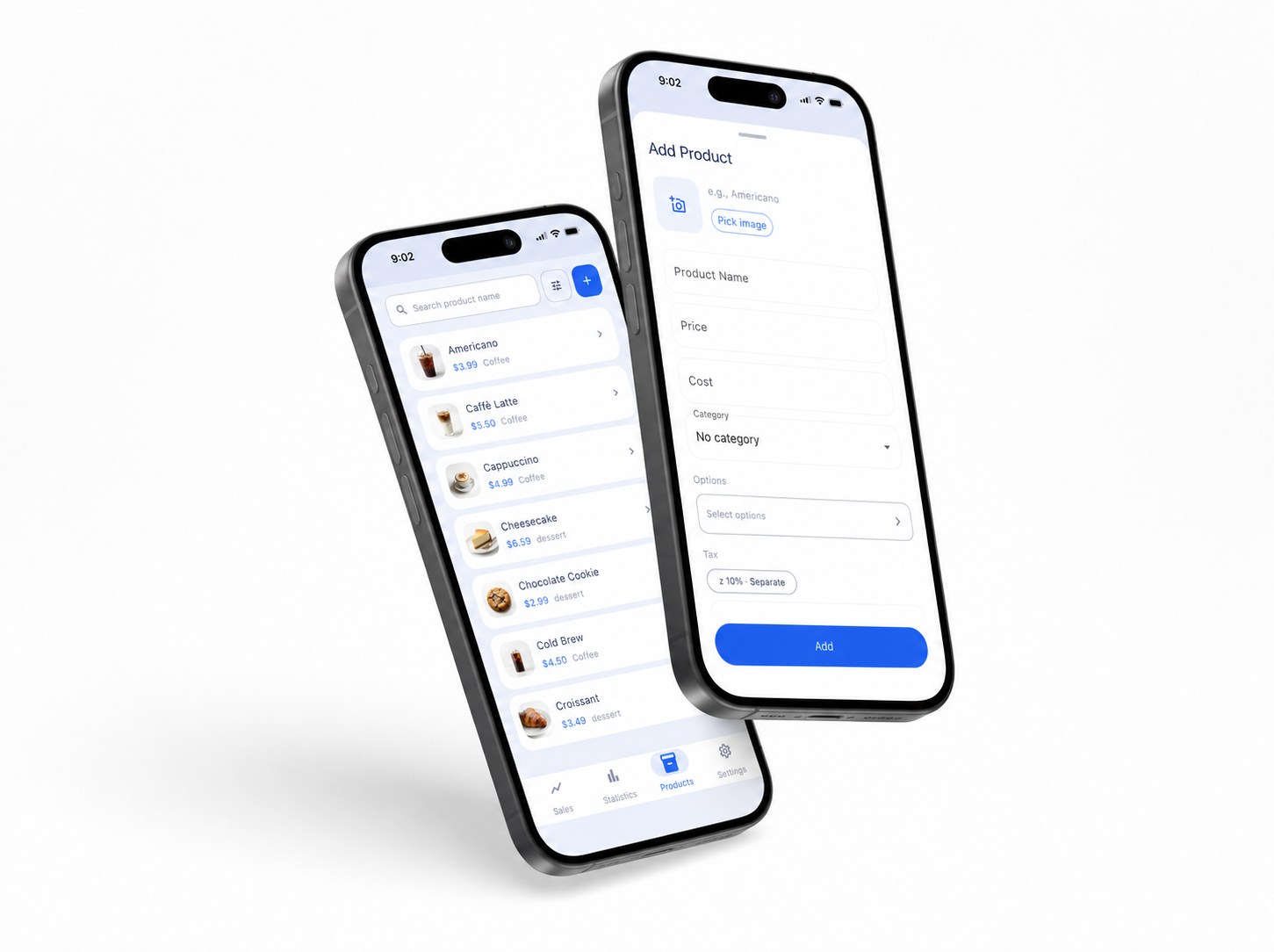
Handle item management in the app too
- Add, edit, and delete items straight from the app — no need to be standing at the store device.
- Toggle whether an item is on sale and whether it earns points. A sold-out item can be paused rather than deleted.
- Link modifiers and tax handling (inclusive or added) to each item.
- Narrow things down with search, category filters, and sorting.
See your salesfrom outside the store
Install the app on your phone and you are up and running.