
Kiosk
Customers order,checkout takes care of itself
No separate kiosk hardware to buy. Switch the ModaPOS tablet you already use into kiosk mode and it becomes a self-order terminal.
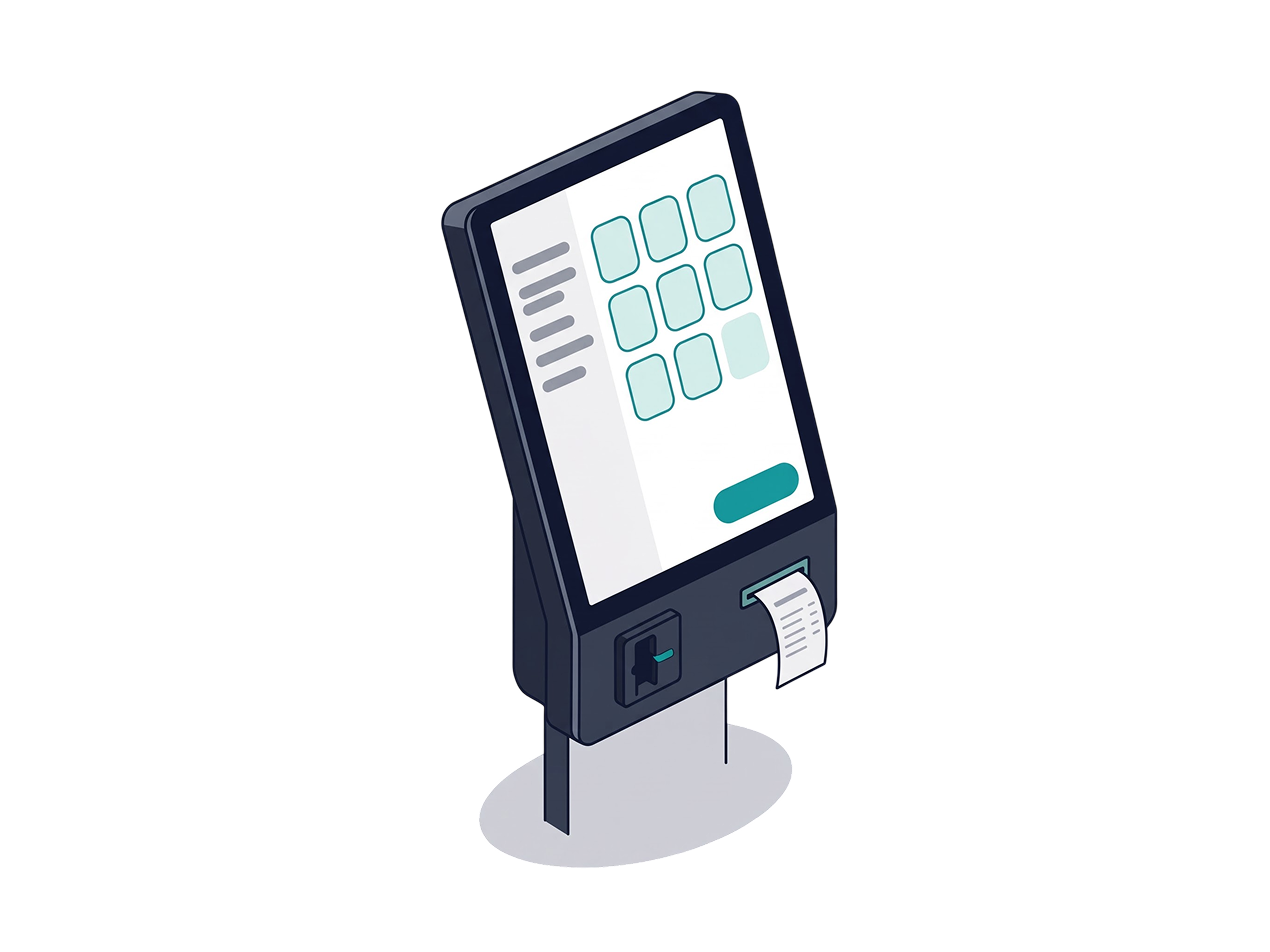
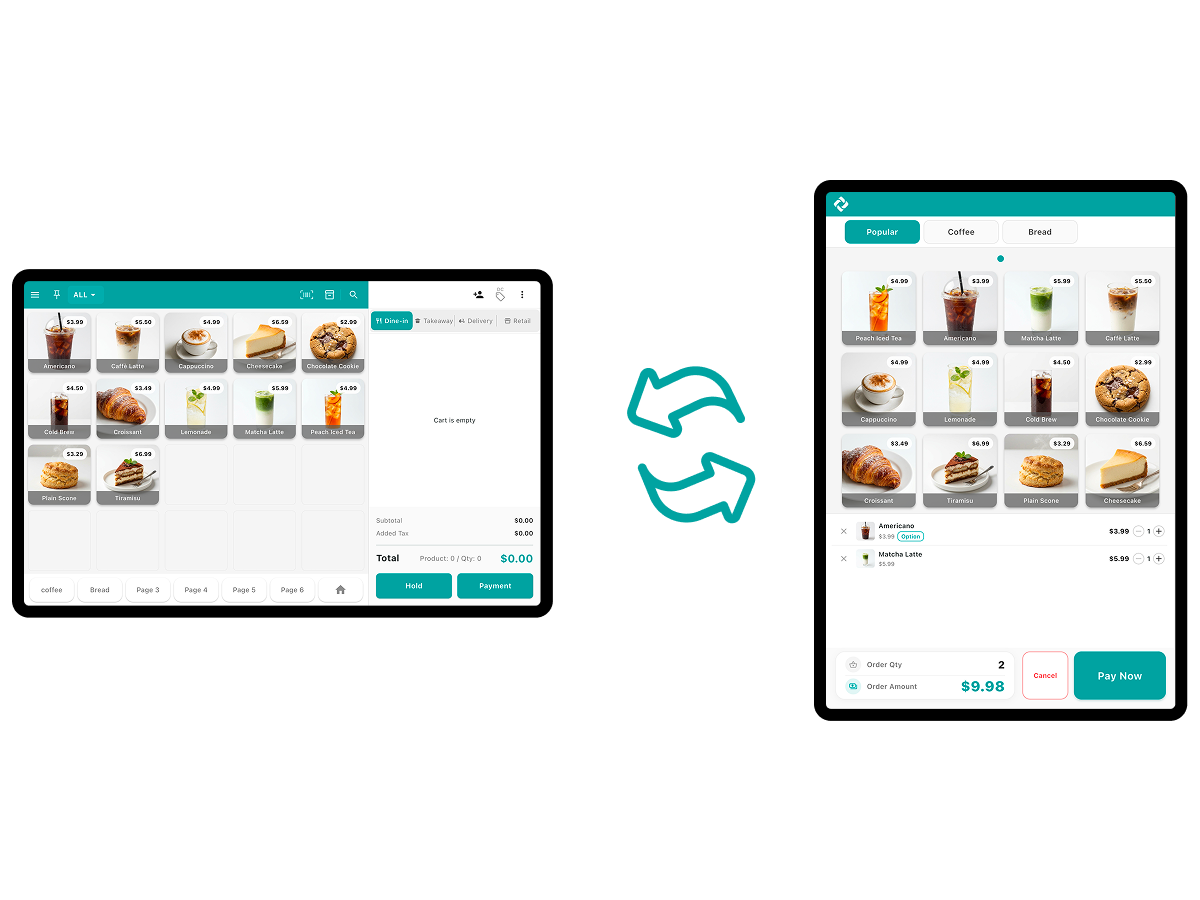
One device is both your POS and your kiosk
- Move between staff POS mode and customer kiosk mode inside one app
- Use the same device as a staff POS during service, a customer-facing kiosk at the rush, and a self-order terminal when nobody is on the floor
- Kiosk mode hides every staff menu and blocks settings and sales figures, so the tablet is safe sitting out front
- No separate kiosk hardware to buy — less upfront cost and less counter space taken up
- Run the POS and the kiosk as one system instead of two
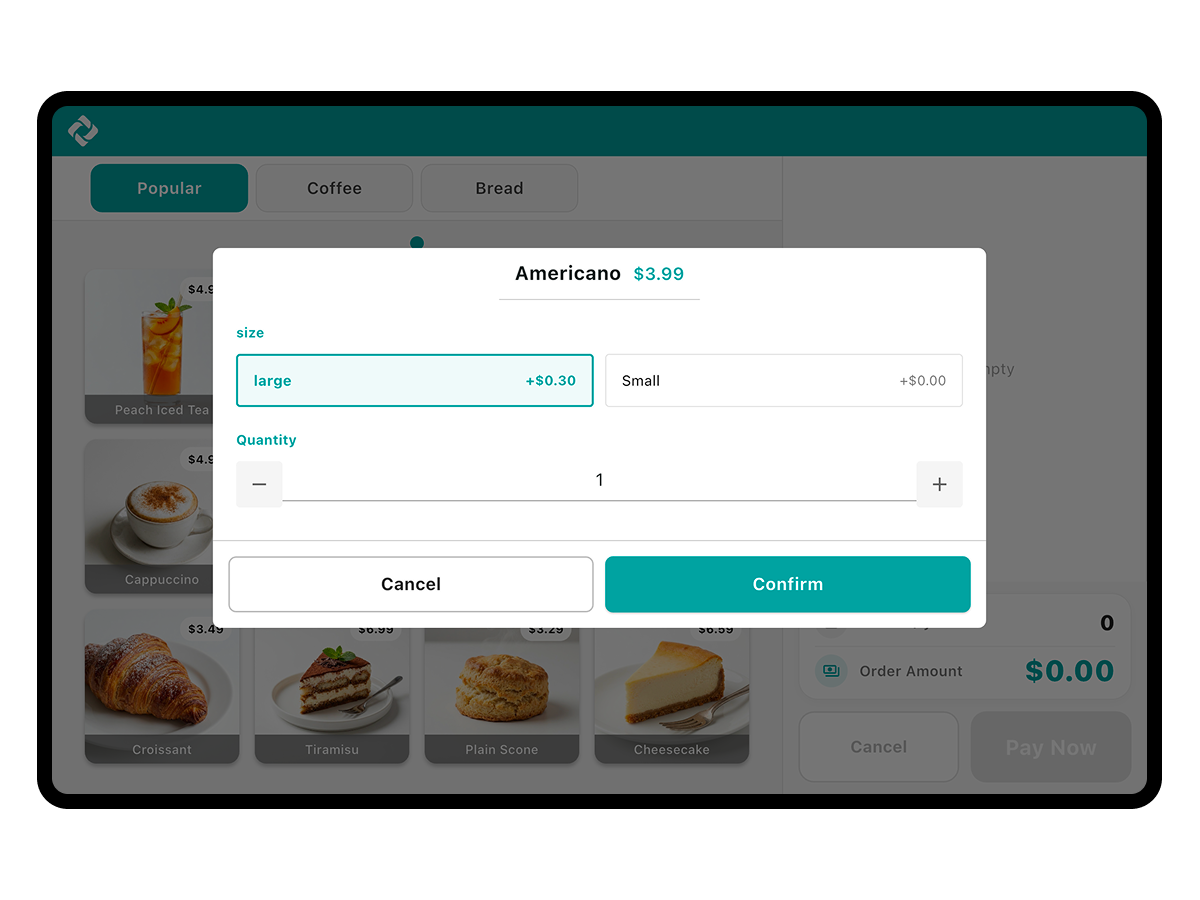
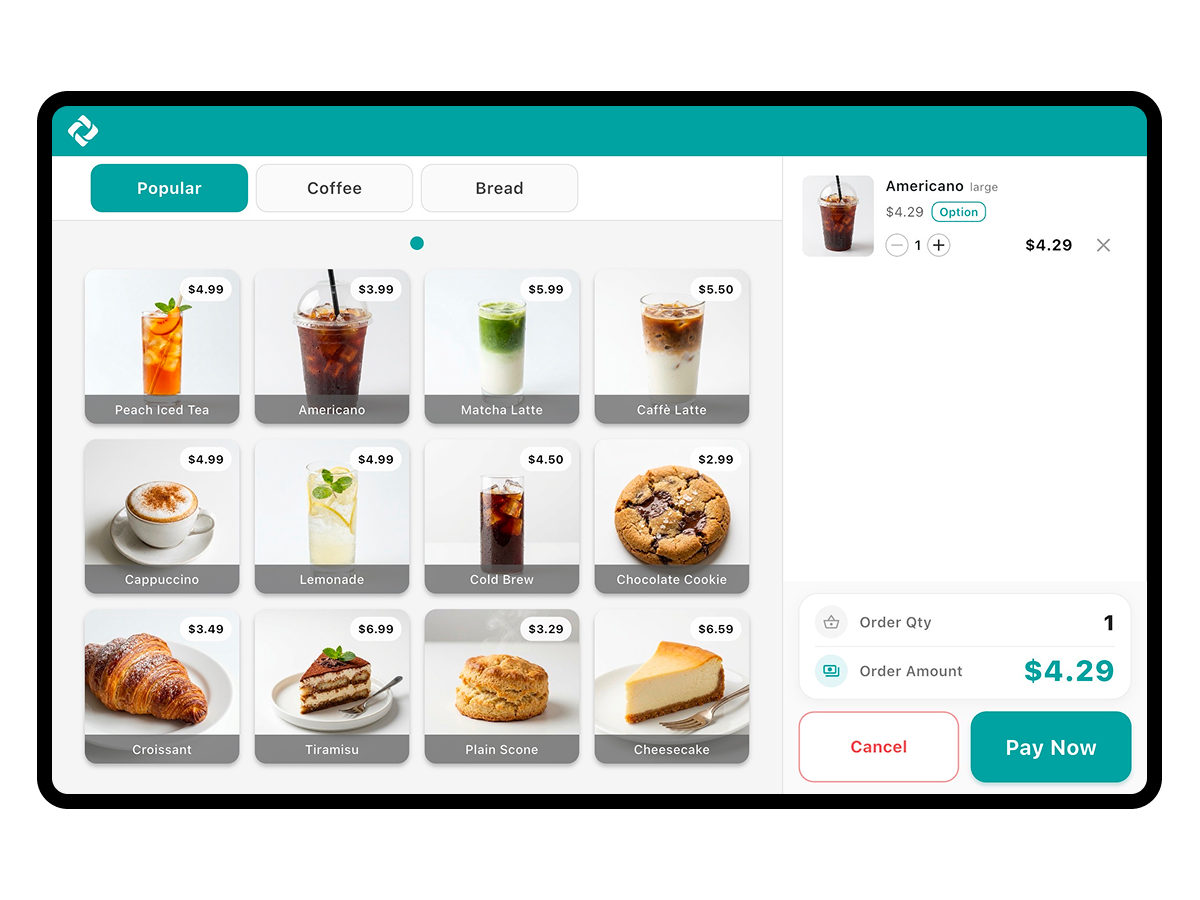
Let customers order on their own
- Let customers tap items from the top categories and favorites to add them to the cart
- Prompt size and toppings in a selection dialog so no option gets missed
- Let customers review the cart, points used, and amount due on the confirmation screen before payment
- Let customers choose whether to print a receipt after payment
- Set which items appear, and where, in the top menu editor
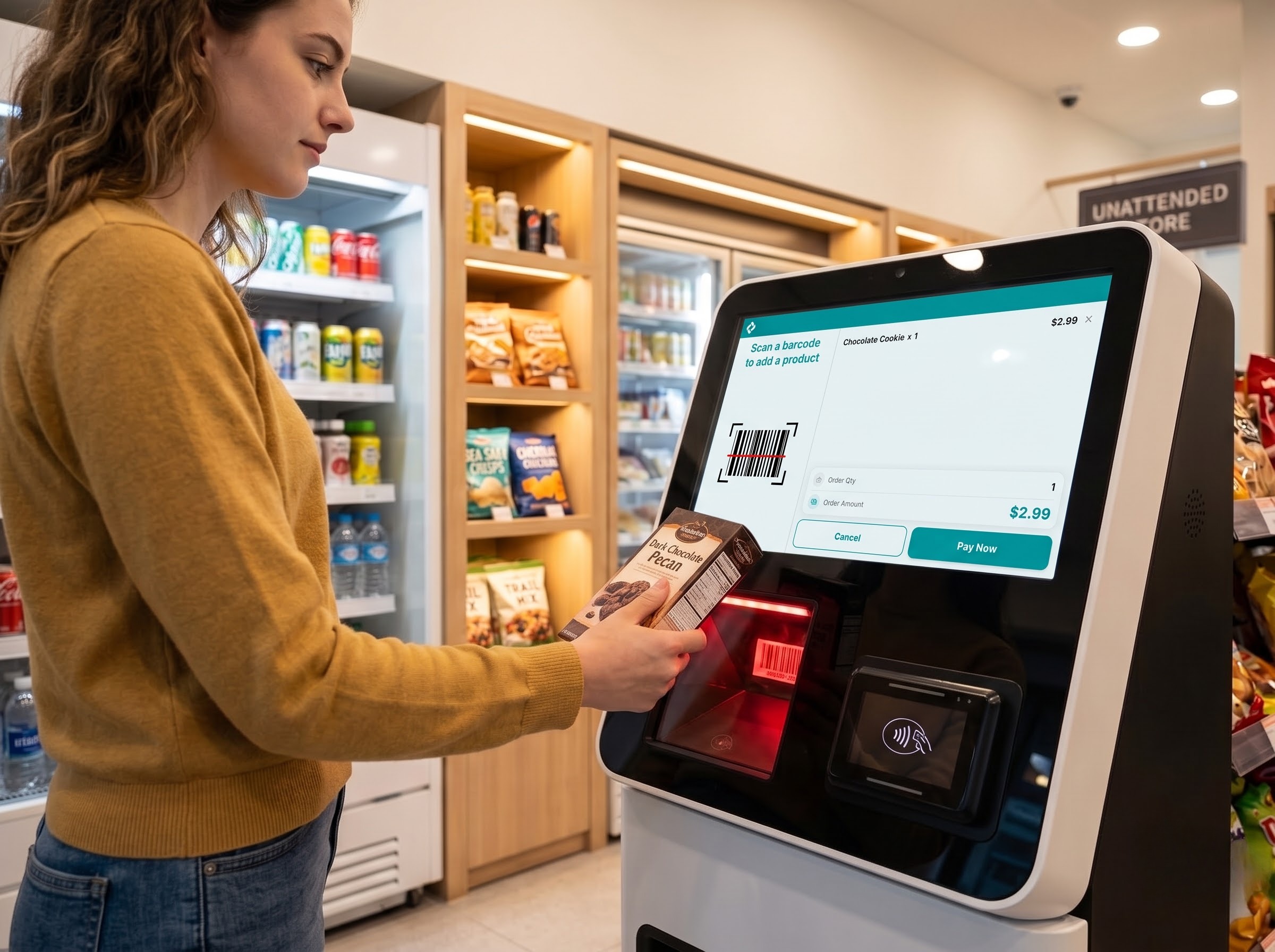
Run an unattended store with barcode mode
- Switch to barcode mode and let customers scan items themselves and complete payment
- Retail stores with too many items to lay out on screen finish an order with a scan alone
- Switch between the two as the store needs — the payment flow is identical to touch mode
- Barcode mode requires a barcode registered on each item and a dedicated barcode scanner connected
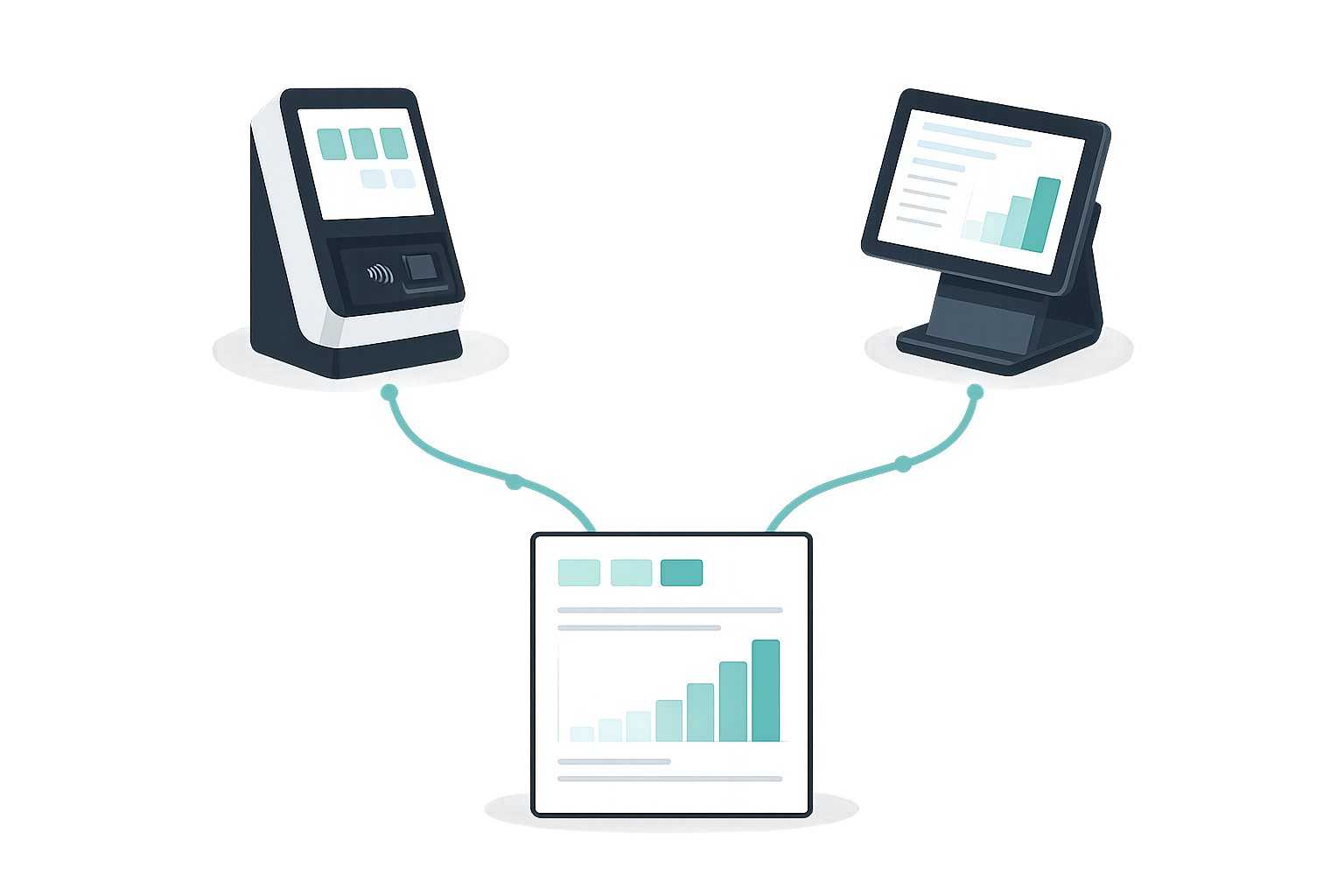
Manage kiosk sales together with the POS
- Tally kiosk orders as the same store sales and review them in the Dashboard and reports
- Change items, prices, and discounts once on the POS and see them on the kiosk immediately
- The admin menu opens only on a double tap of the top-right corner plus the admin PIN
- Handle menu order editing, favorites editing, input mode switching, and exiting kiosk from the admin menu
- Kiosk mode is available on tablets
Skip the kioskpurchase order
Kiosk mode is included with ModaPOS. Install it on the tablet you already have and start.