
ModaPOS
From order to payment,on a single tablet
Take orders without friction
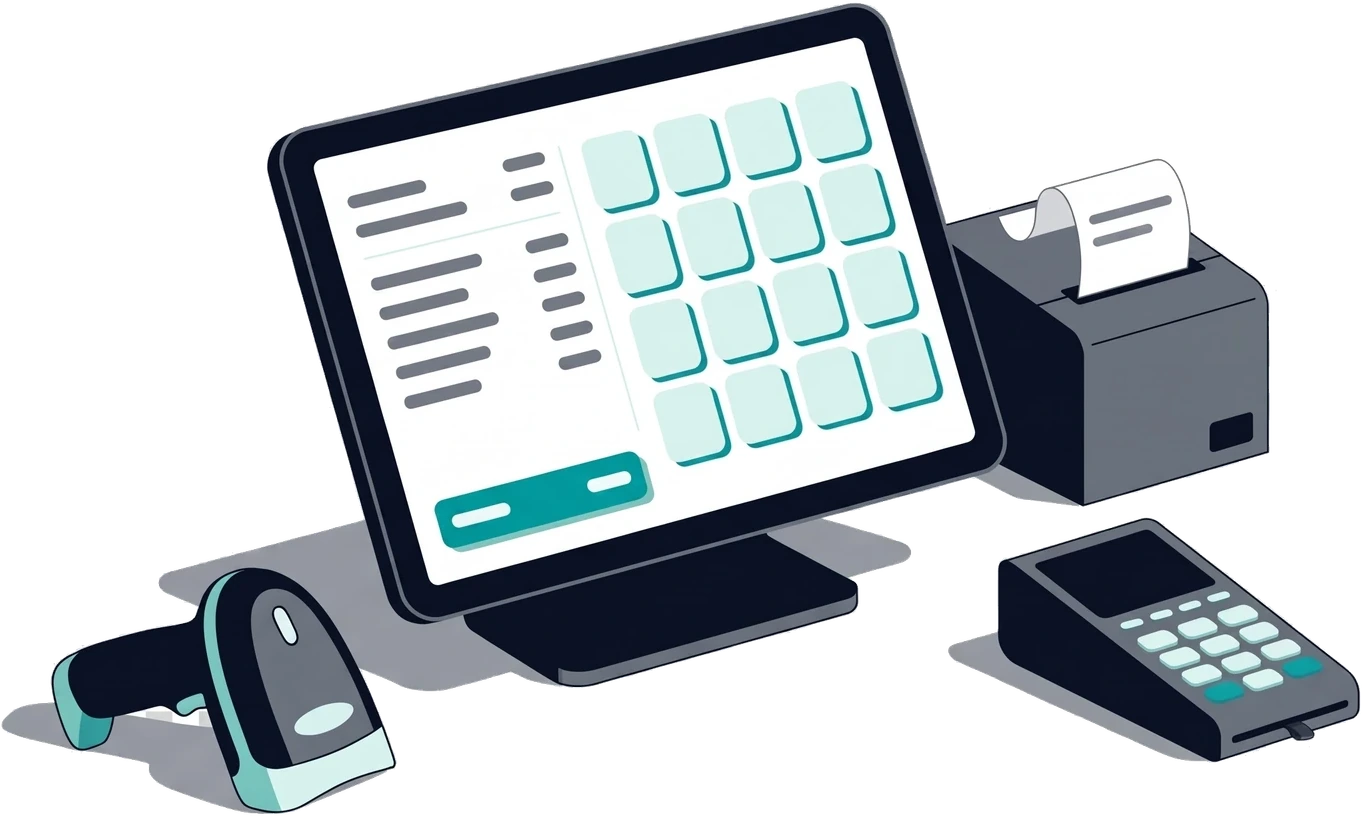
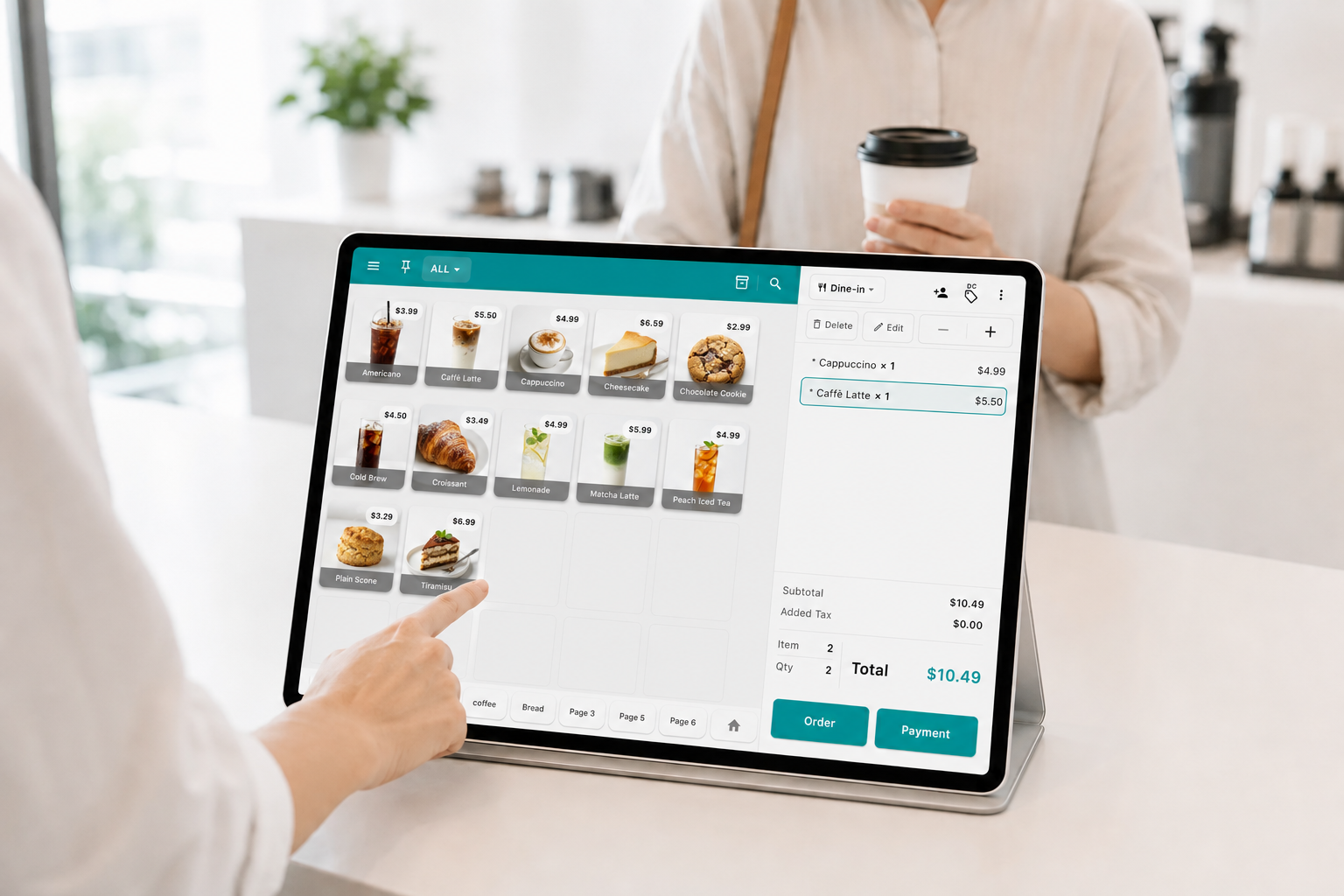
- Add items whichever way is fastest — touch, barcode, or search
- Use both a dedicated barcode scanner and the device camera
- Manage choices like size and toppings as modifiers, with the surcharge applied automatically
- Apply a discount to a single item or to the whole order
- Hold an order that is stuck at payment and serve the next customer first
Check out fast, refund simply
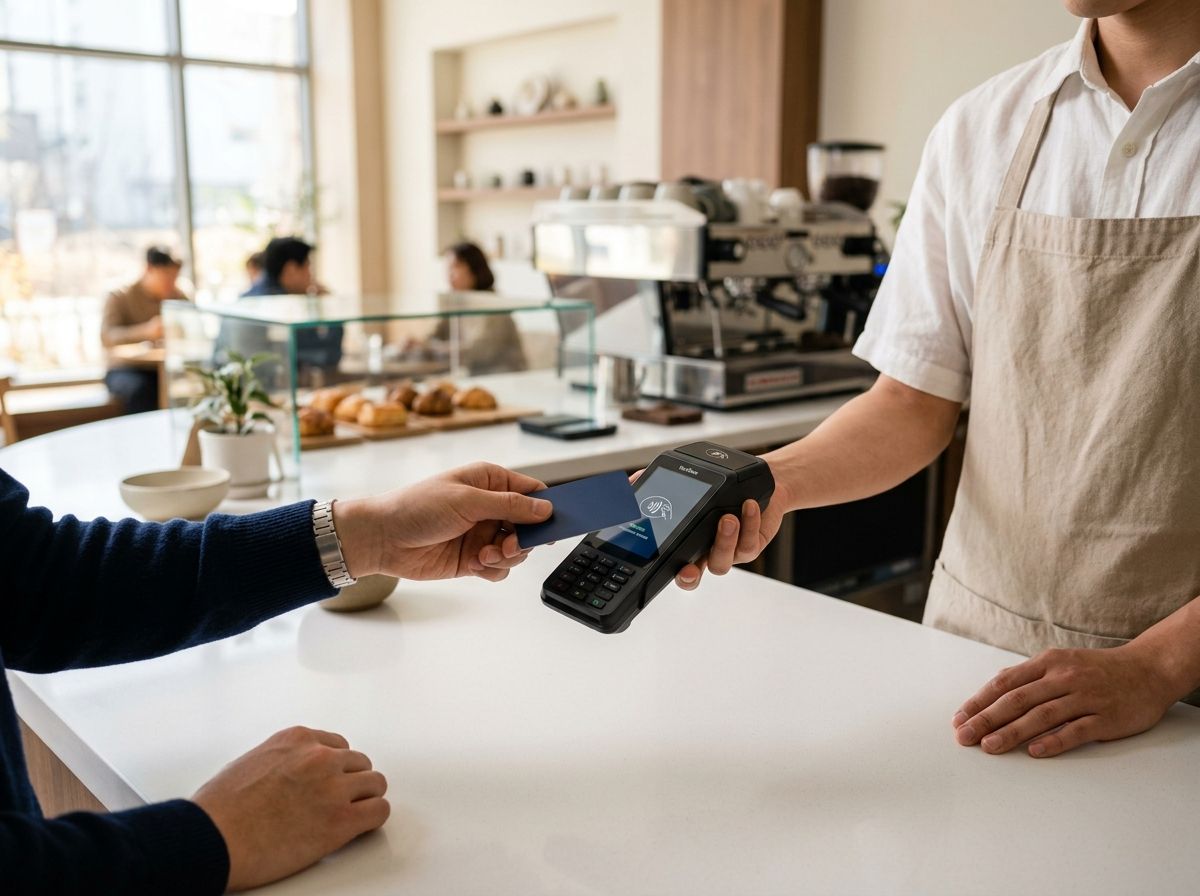
- Beyond cash and card, register whatever payment methods your store actually uses
- Divide the bill evenly across the number of people, or split it by the items each person ordered
- Calculate change automatically on cash payment and open the connected cash drawer with it
- Look up past payments instantly on the receipt screen
- Pull up the receipt, select only the items and quantities going back, and the refund is done
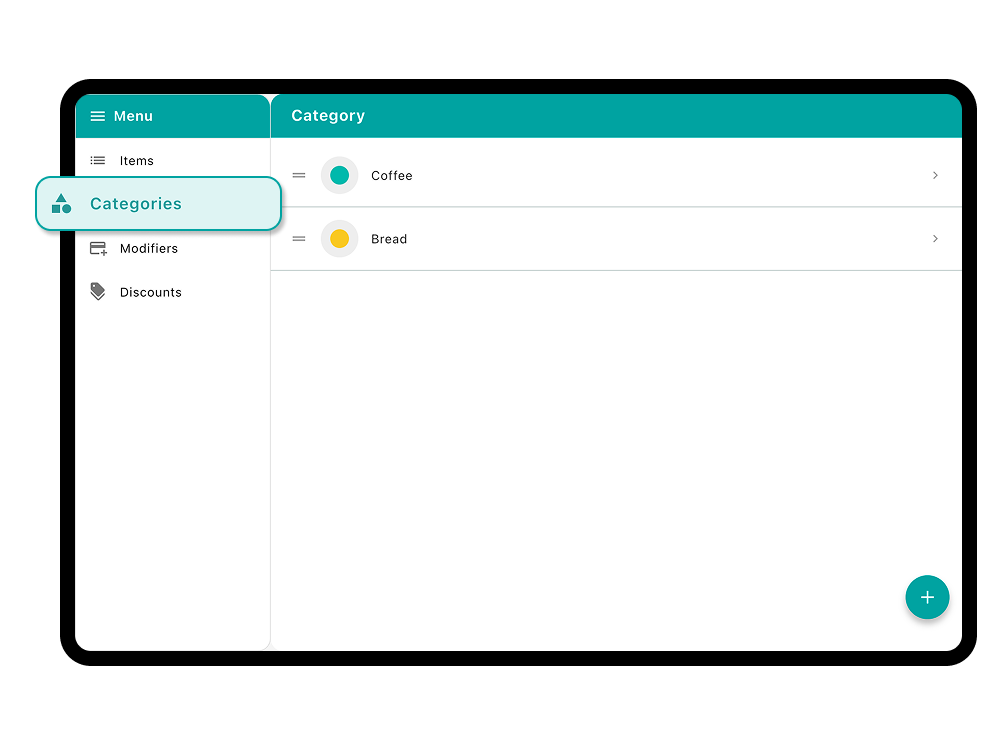
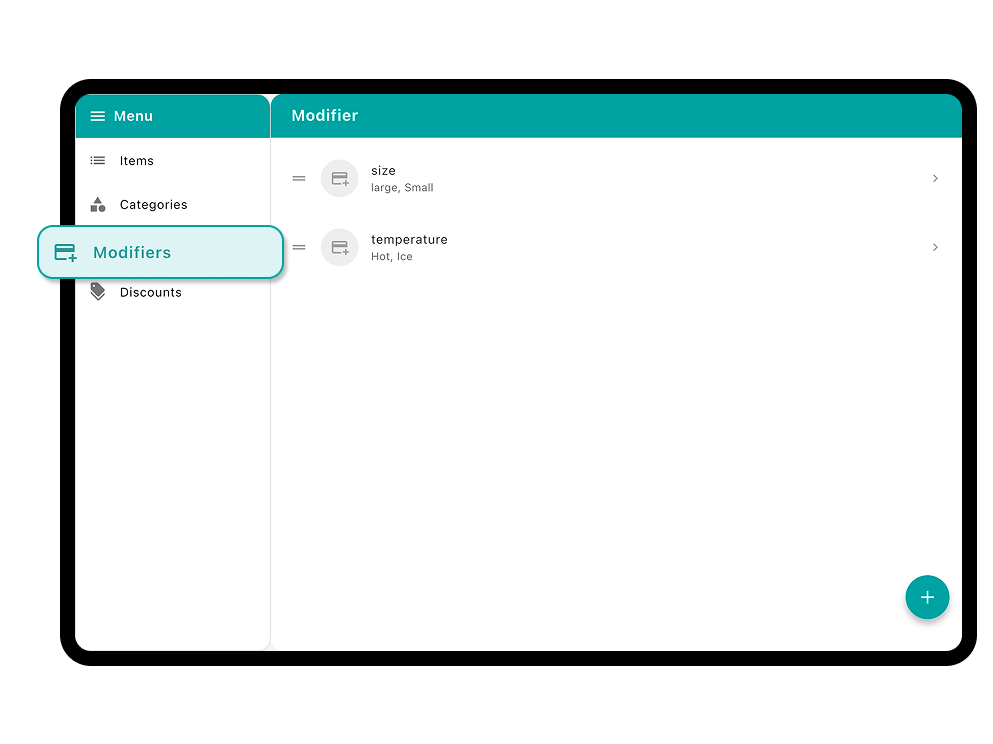
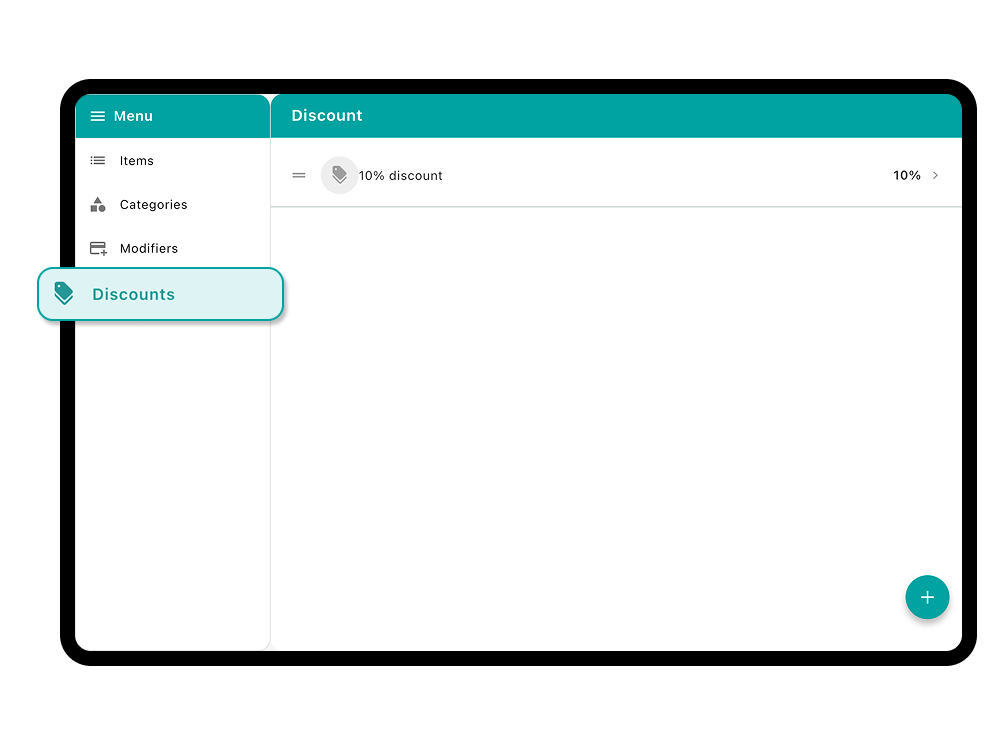
Manage items and menu structure with ease
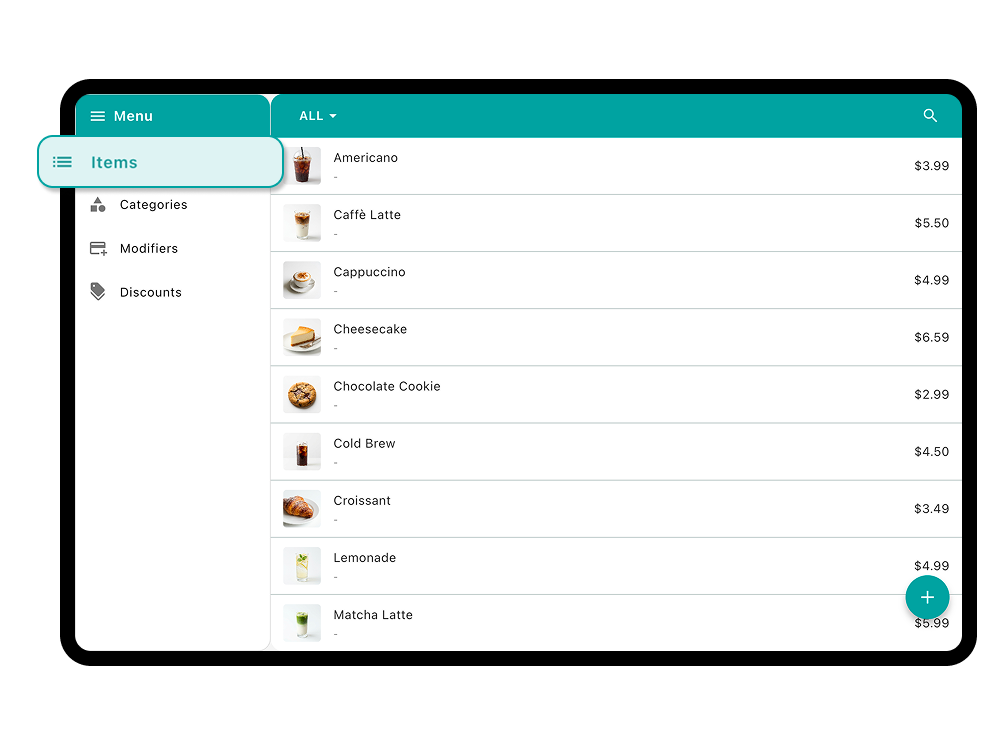
- Register name, price, cost, barcode, and image, and sort items into categories
- Build a modifier once, apply it to many items, and cut down on menu upkeep
- Use favorites to place frequently used items exactly where you want them
- Assign the tax that applies to each item
- Build the discounts that fit your store and apply them the moment you need them
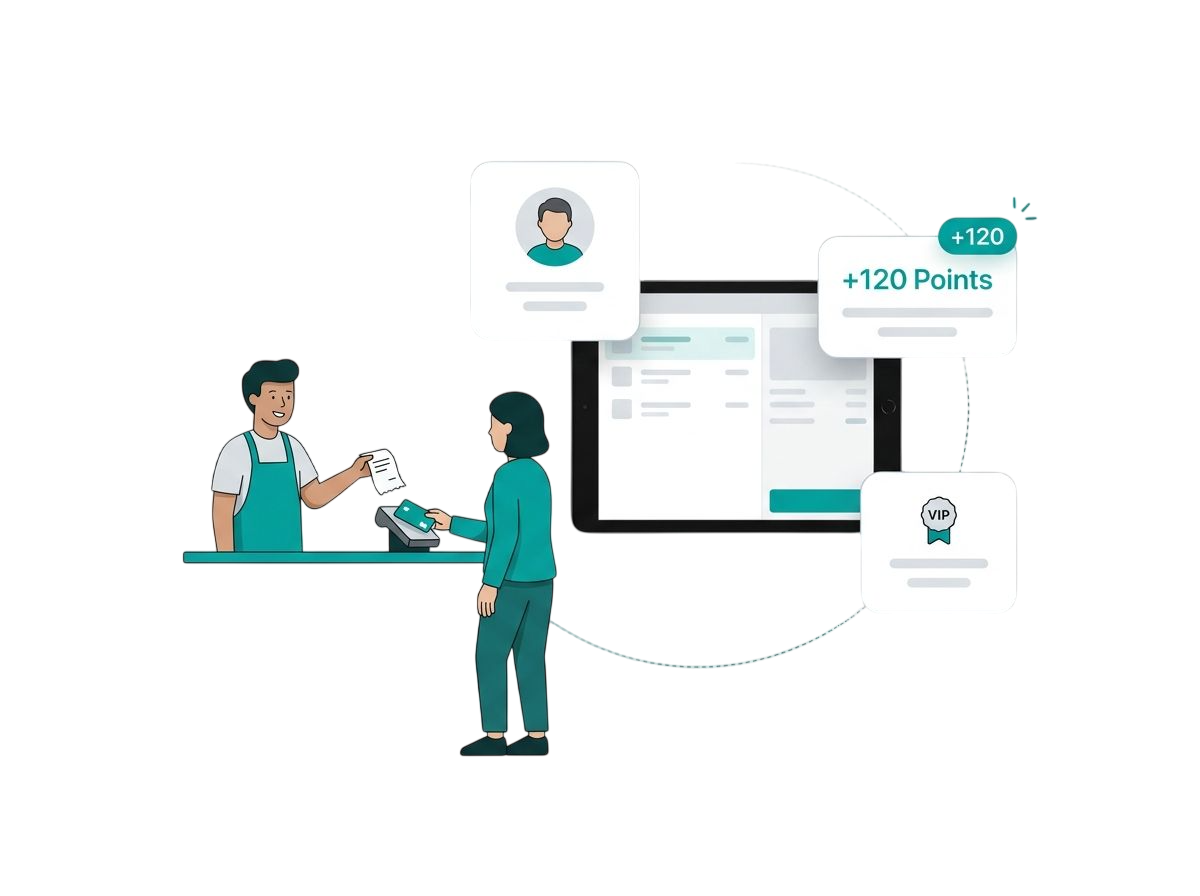
Bring customers back with customer management
- Register customers by name, phone number, or email and link them to an order
- Earn points at checkout and let customers redeem them on the next visit
- Check purchase history and point balance per customer at any time
- Identify your regulars by visit count and lifetime spend
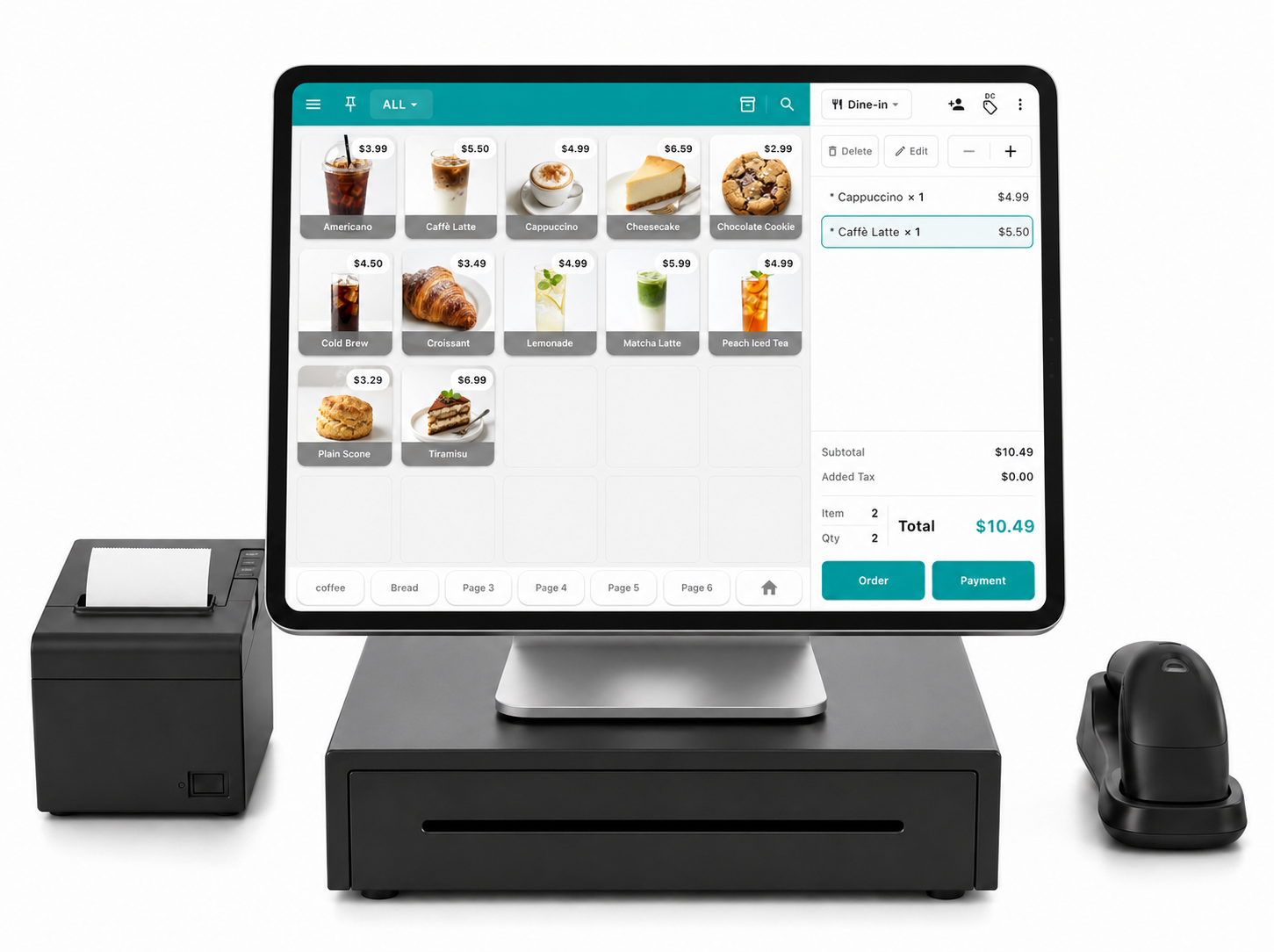
Set up receipts and peripherals to fit your store
- Connect a receipt printer over network, Bluetooth, or USB
- Connect a cash drawer and barcode scanner too, and open the drawer automatically on cash payment
- Send digital receipts by email
- Set the logo, header and footer text, and displayed fields to fit your store
- Search receipts by date range, and find them by customer name or phone number to refund
Take today's orderson ModaPOS
Install it and start selling. No card details, no contract.